Watch every product a Partner builds with your IP on one screen. See how far each product has come and what is waiting for your approval, with contracts, label issuance and settlements in the same place.
Approval historyEvery decision and reason stays with the product
Labels and settlementsPayments are recorded as labels are issued
Four languagesKorean, Japanese, Chinese and English
What changes
TodayWith Collaba Studio
Digging a Partner's artwork out of email, replying, then hunting for that reply again
Artwork and the decision on it live on the product
Asking around to find out which product is stuck at which stage
The list shows every product's stage and owner
Reconciling how many labels you issued in a spreadsheet
Issued and remaining label counts add up on their own
Retracing what you based an old approval on
Every approval keeps the reason it was given
What you can do
1
Create a project and bring the Partner in
A project is one collaboration. A new one already has the stages a product moves through and the approval types it needs, so you can start without setting anything up. When you add a Partner, its managers join automatically; staff can be invited or assigned to the project directly.
2
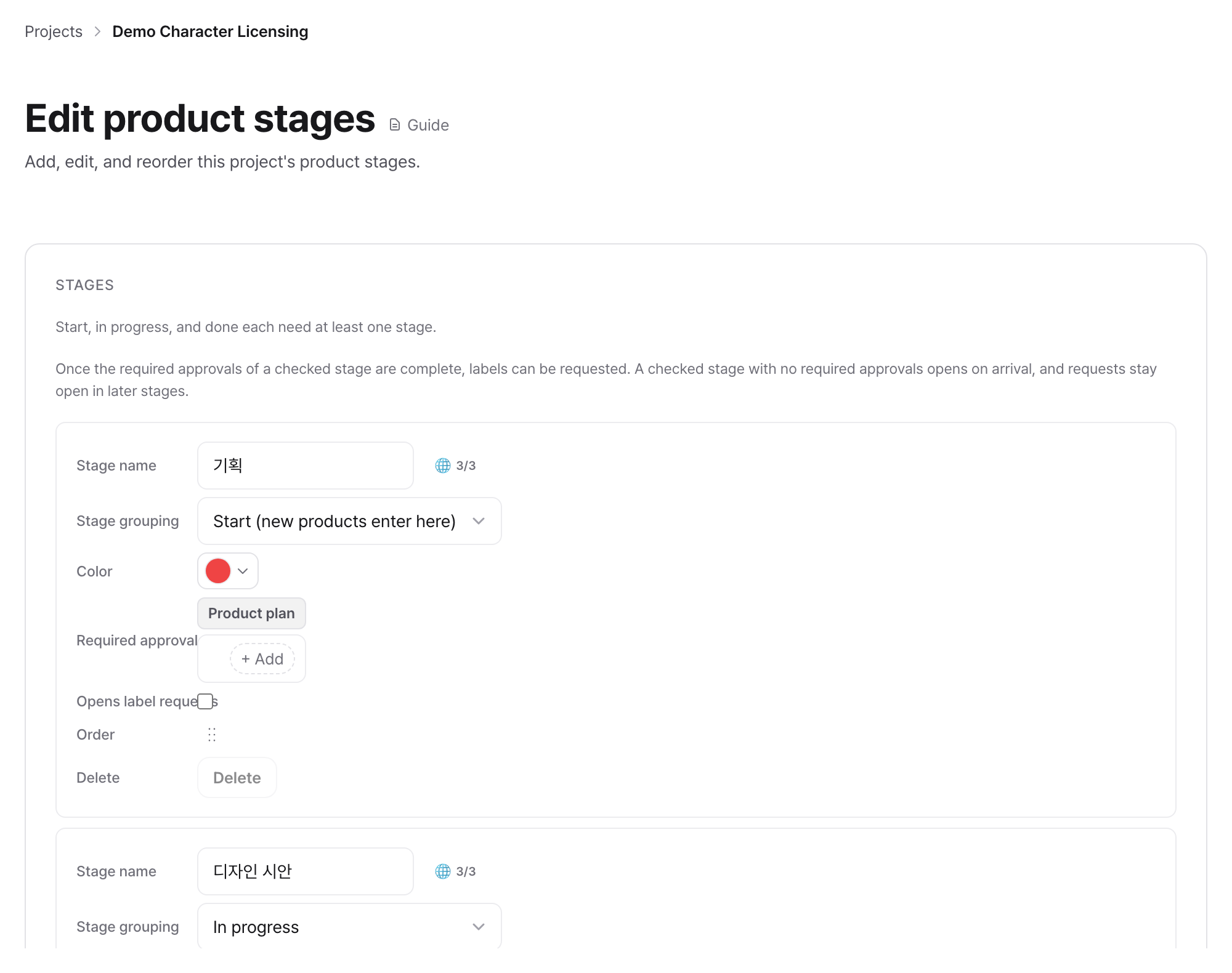
Decide which approvals each stage requires
Set rules like "product design approval is required to leave the design stage" once, and every product in the project follows them. Assign an owner to an approval and it lands in that person's queue.
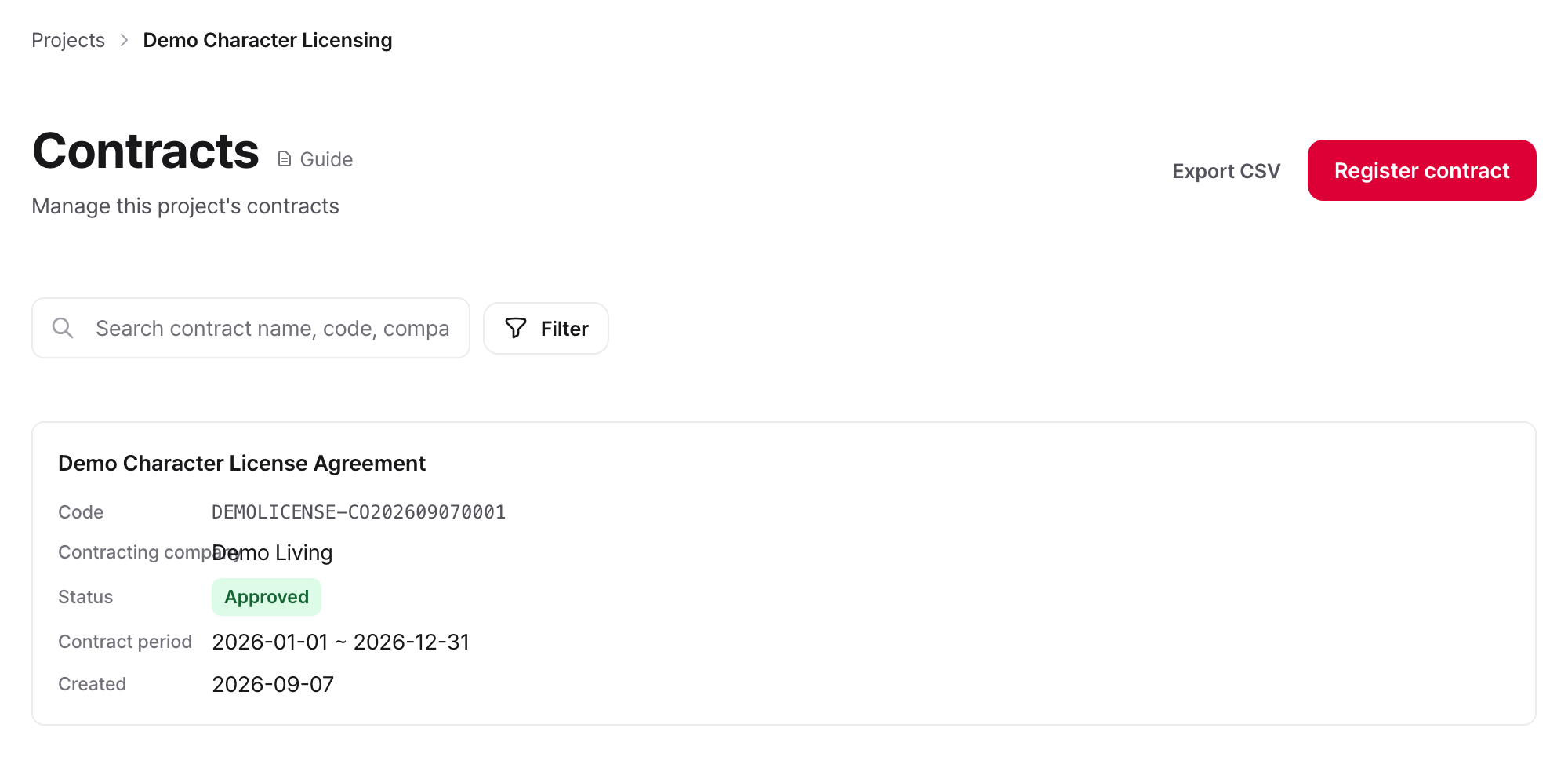
Enter the term, royalty rate, label unit price and minimum guarantee. If a rate differs for one IP, set a separate condition for that IP alone; IPs without one are calculated at the contract default. Once the contract is active, the Partner can submit concepts and products under it.
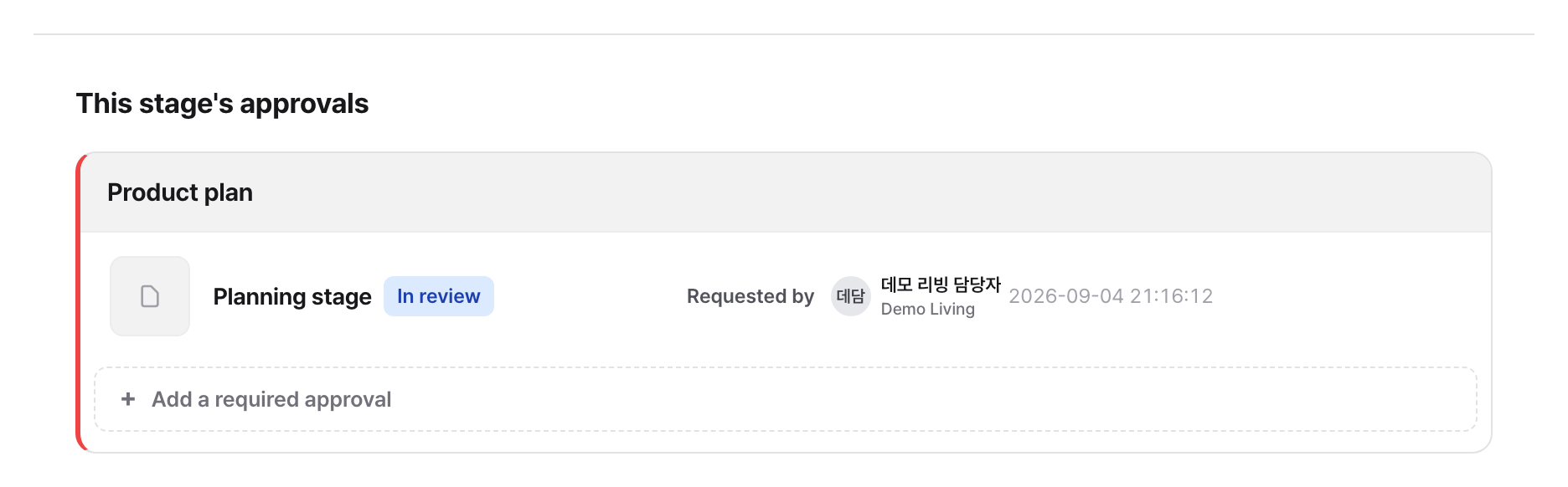
Open the product and read the concept or artwork right there. Answer with approval, conditional approval, a revision request or a rejection, and write your reason. A decision can be reversed later.
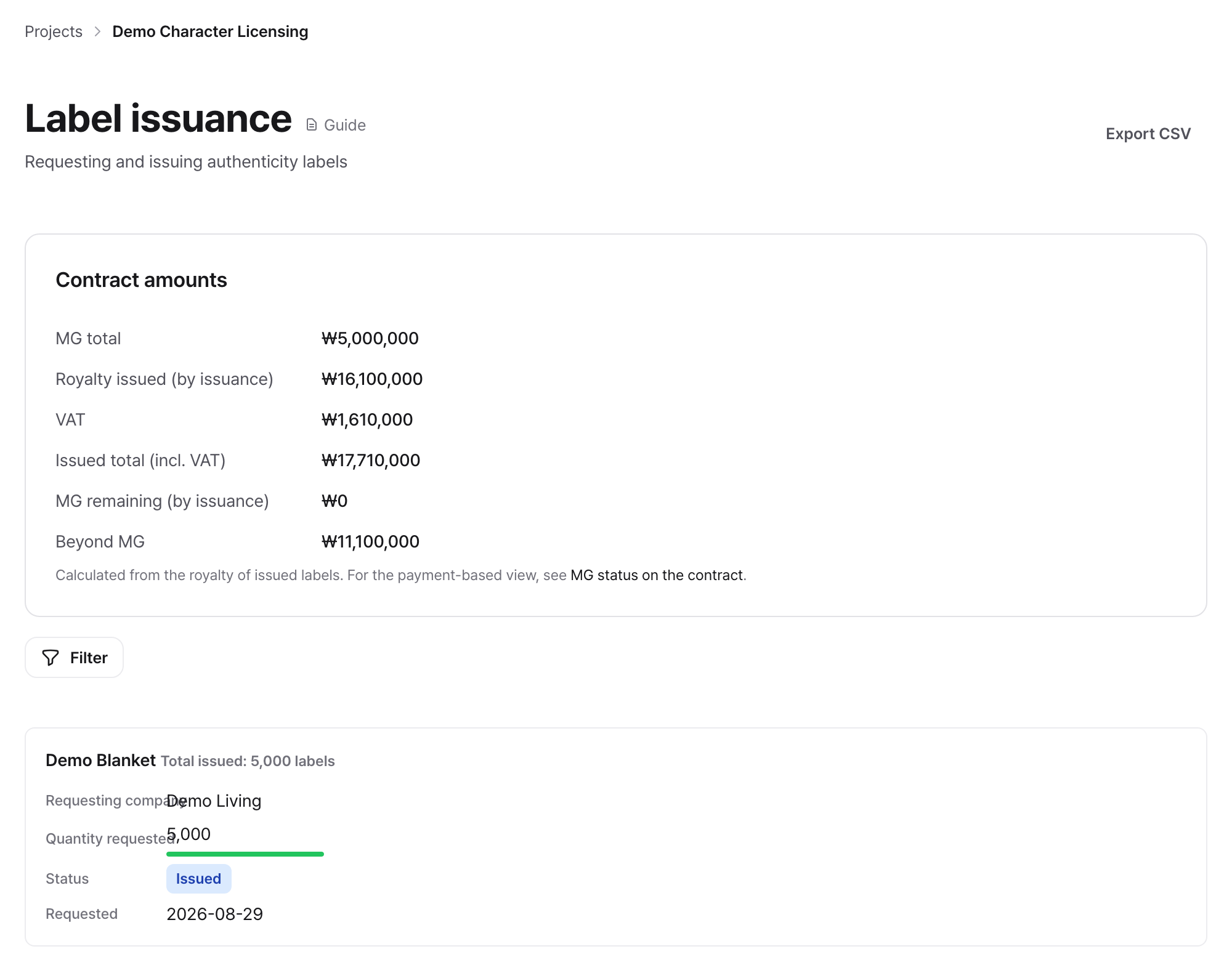
When a Partner requests labels, check the quantity and issue them. Issue fewer than approved and the remainder can follow later. Payments are recorded for what you issued and applied to the minimum guarantee balance.
You share one screen with Partners in other countries
Each person reads the interface in their own language. Names you type in, such as product and project names, can be entered per language, and a message a Partner wrote in another language opens in yours at the press of a button.